reading-notes
This Repo required for Asac labs class 2
Project maintained by ManarAbdelkarim Hosted on GitHub Pages — Theme by mattgraham
Read: 13 - Update/Delete
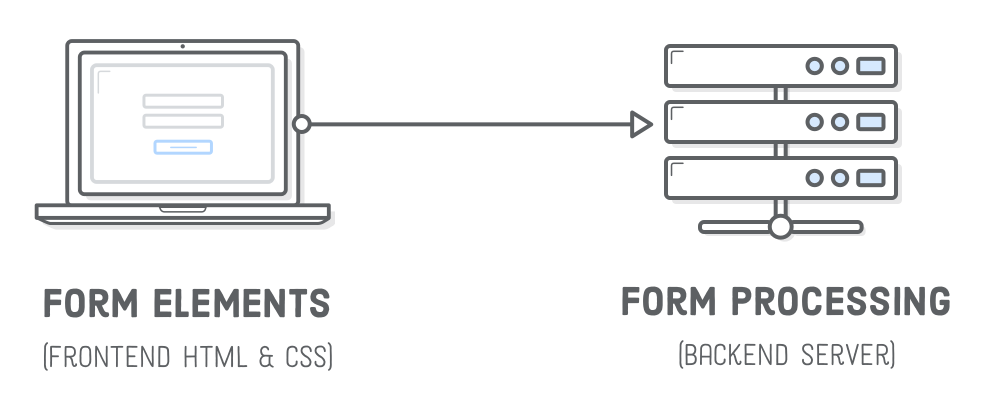
Client/server architecture
An HTML form on a web page is nothing more than a convenient user-friendly way to configure an HTTP request to send data to a server. This enables the user to provide information to be delivered in the HTTP request.
SENDING FORM DATA
Form attributes:
action = "url: the data will be sent to the specified url / if none to the same page.The action attribute defines where the data gets sent. Its value must be a valid relative or absolute URL. If this attribute isn’t provided, the data will be sent to the URL of the page containing the form — the current page.<form action="/somewhere_else">-
method = "GET": is the method used by the browser to ask the server to send back a given resource. Example:<form action="http://www.foo.com" method="GET"> method = "POST": It’s the method the browser uses to talk to the server when asking for a response that takes into account the data provided in the body of the HTTP request Example:<form action="http://www.foo.com" method="POST">When the form is submitted using the POST method, you get no data appended to the URL.
Form tag attributes:
action = "/path-to-url"method = "GET/POST"name = "formName"autocomplete = "on/off"target = "_blank" (new tab) / "_self" (current tab)enctype = "text/plain" (text input form) "multipart/form-data" (forms containing files)